This is pretty easy! Here are the steps below, also feel free to scroll to the bottom and play the video.
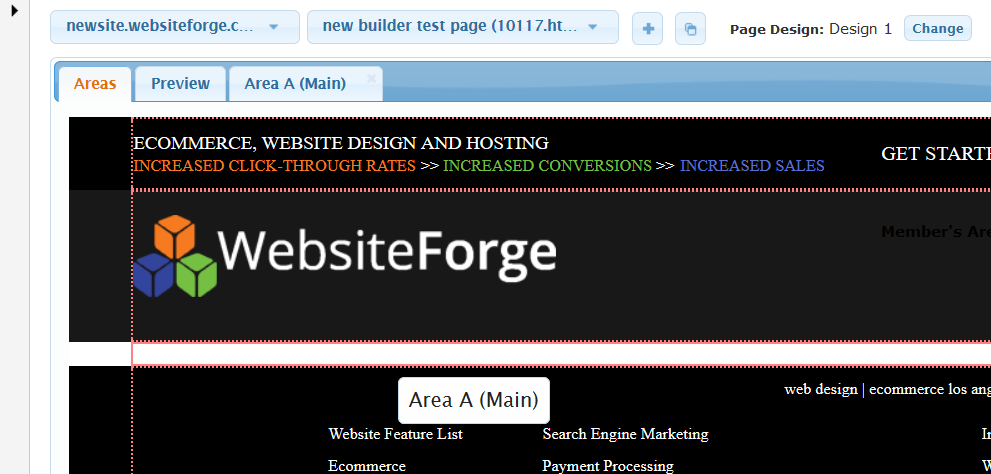
| Step 1. on the "areas" tab choose the area you want to work on |
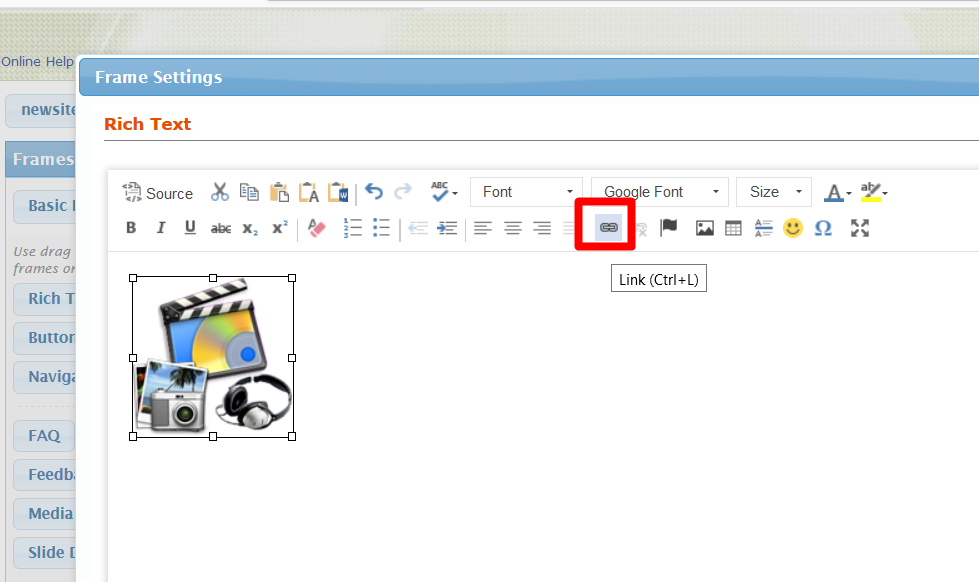
| Step 2. Choose the Image or Text that you want to link, and click the "Insert Link" button |
| Step 3. There are several ways you can link |
- Link to an External URL (such as WebsiteForge.com)

- You can also change the Link Type from URL to link to:
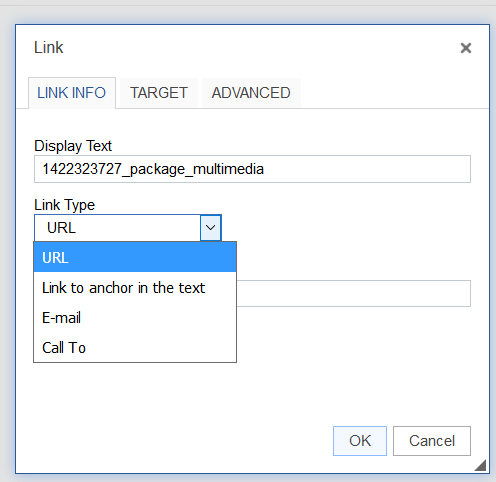
- Anchor Text
- An Email
- Call To (which will open the call dialog box on a mobile phone)

- Link to a File
- Link to a page on your site
- Link to a Module Category
- Link to a Module Item
Once you've decided what you need to link to you can choose the method above and enter the data relevant to your link type. Be sure to hit apply and save when done.


